Overview
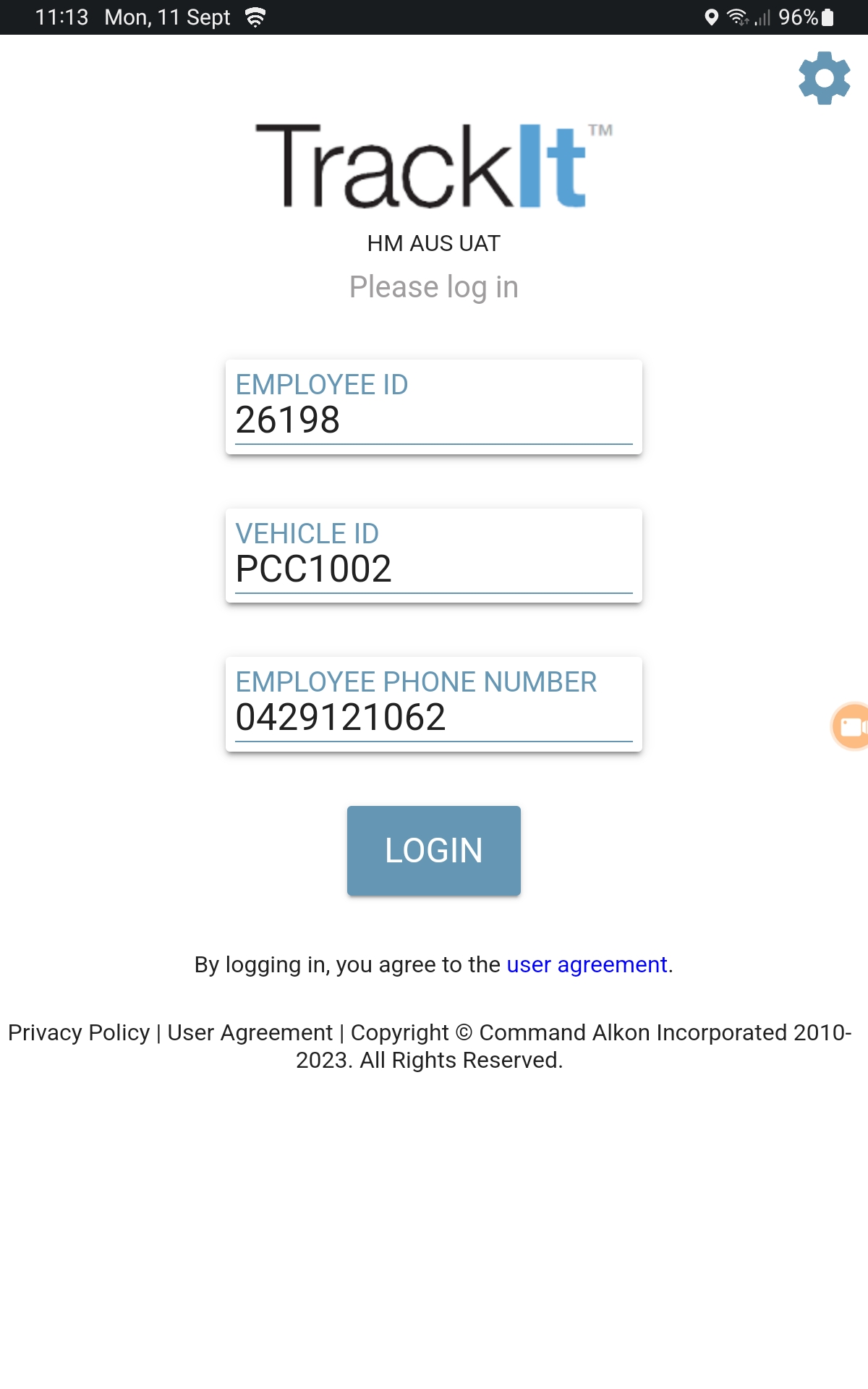
Log In Screen
This is the TrackIt log in screen. When the tablet starts at the beginning of your shift, this is the first screen you will see.
Status Cards
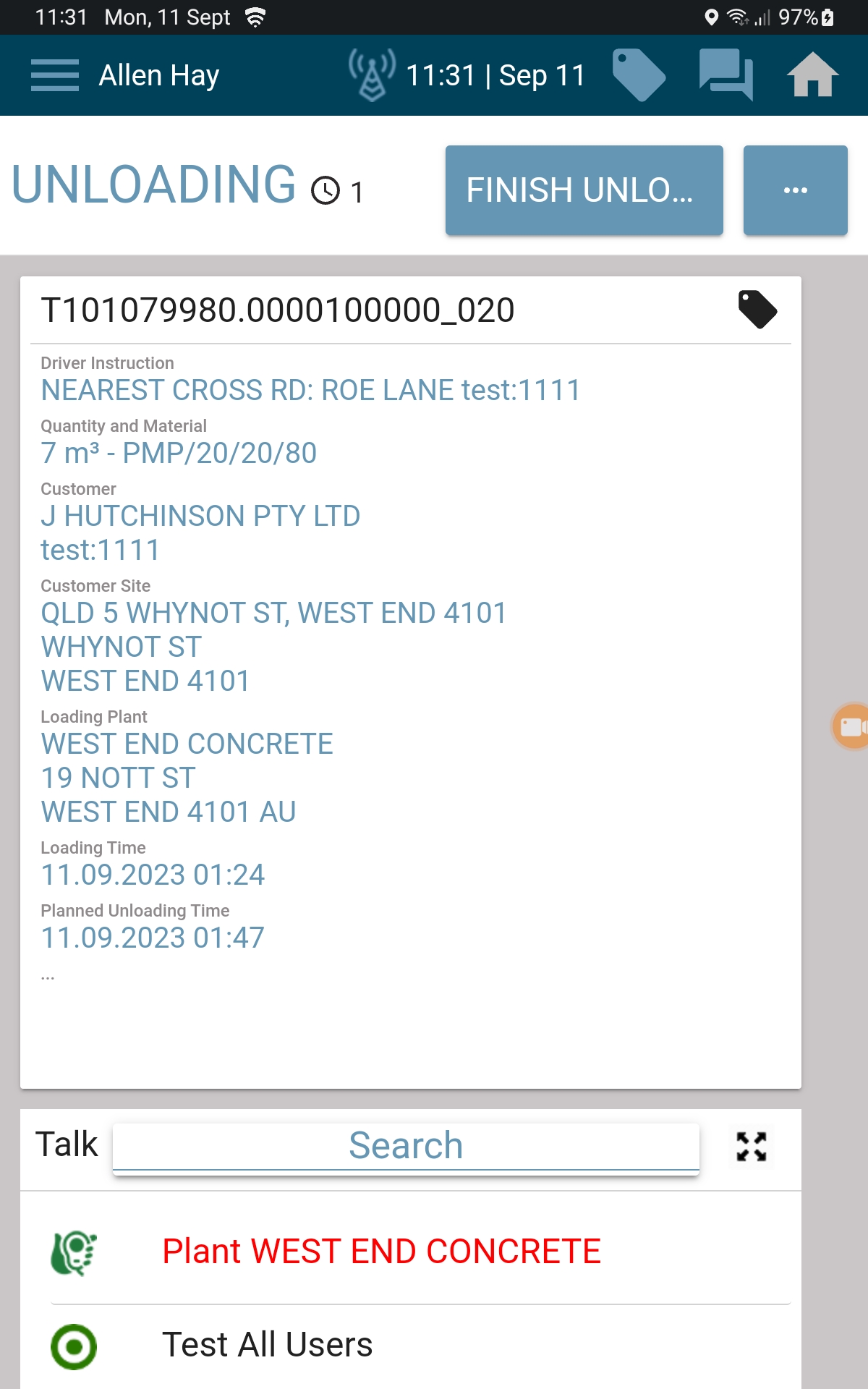
Status Cards appear throughout the delivery cycle. The cards will change as your status changes, such as:
- Loading
- Unloading
- Travelling to a job or tip location
Messaging
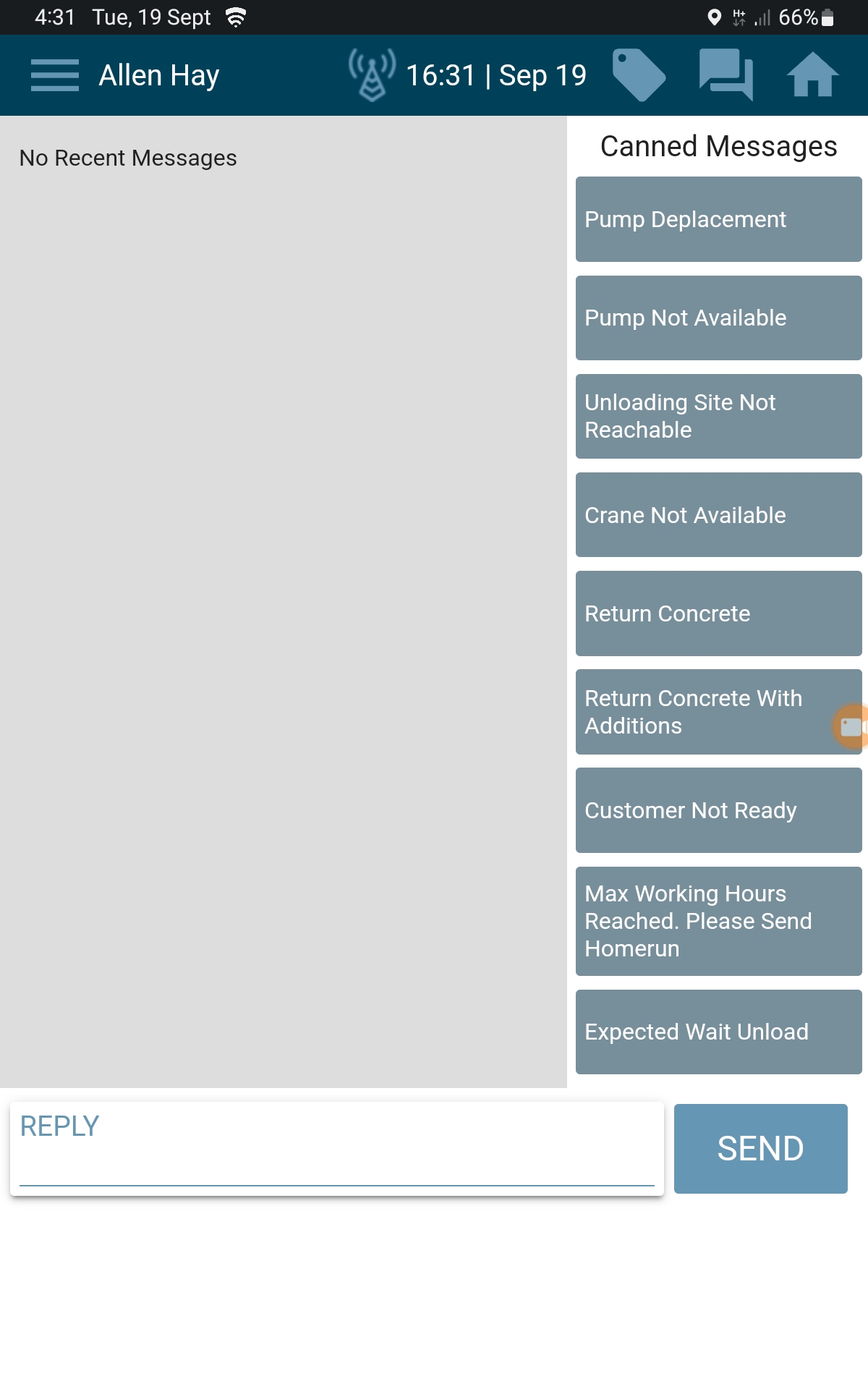
You can send messages to:
- Allocations
- Other trucks
To send a message, tap the Messages icon in the top‑right corner of the TrackIt app.
Navigation
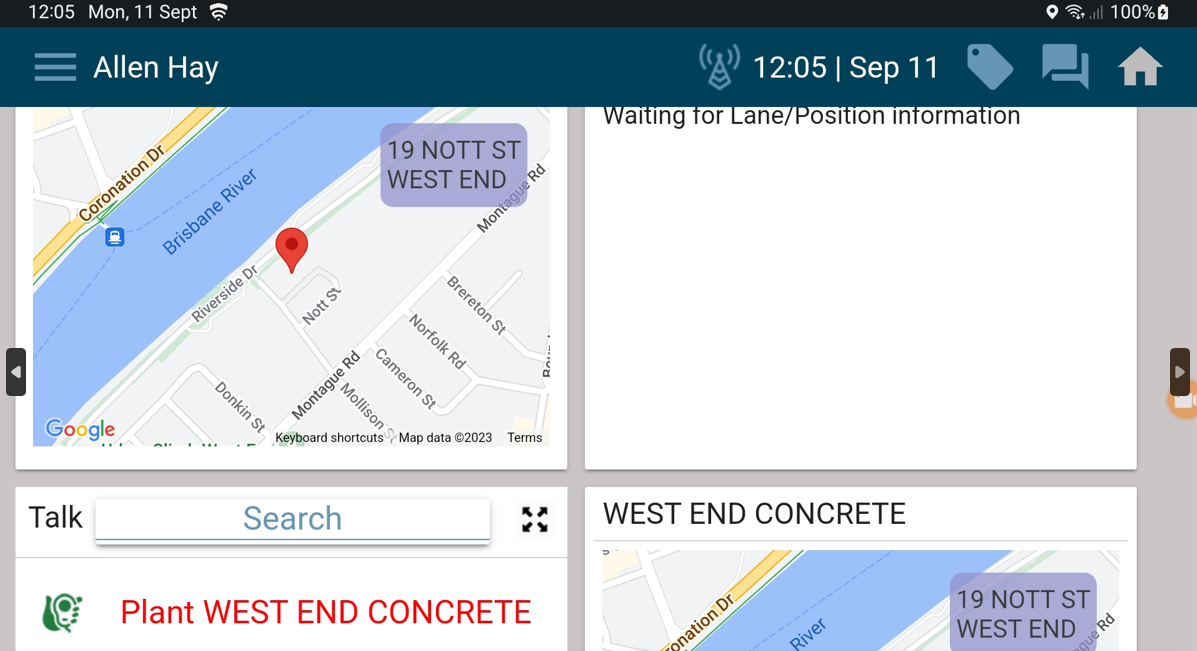
Navigation is launched using the Navigation card / map in the TrackIt app. When selected:
- A full‑screen map opens
- The route is shown with a purple line
- 3D landmarks are displayed to assist with navigation