Logging Out
Follow these steps to log in to the TrackIt app on your in‑cab tablet.
Logging Out of TrackIt
To log out, you must first be in the Idle status.
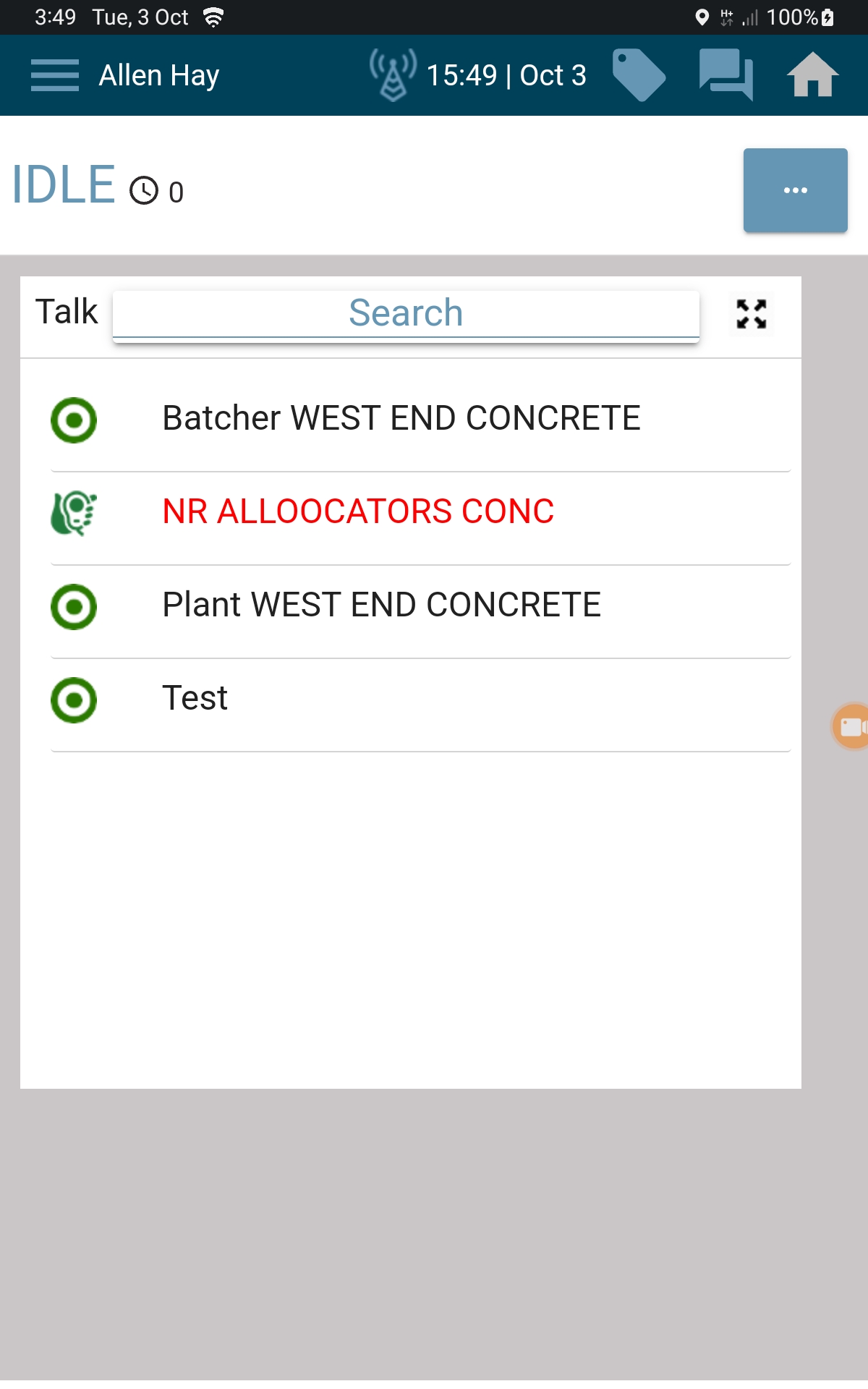
Open the Hidden Menu
Tap the three‑dot menu in the top‑right corner of the TrackIt app.
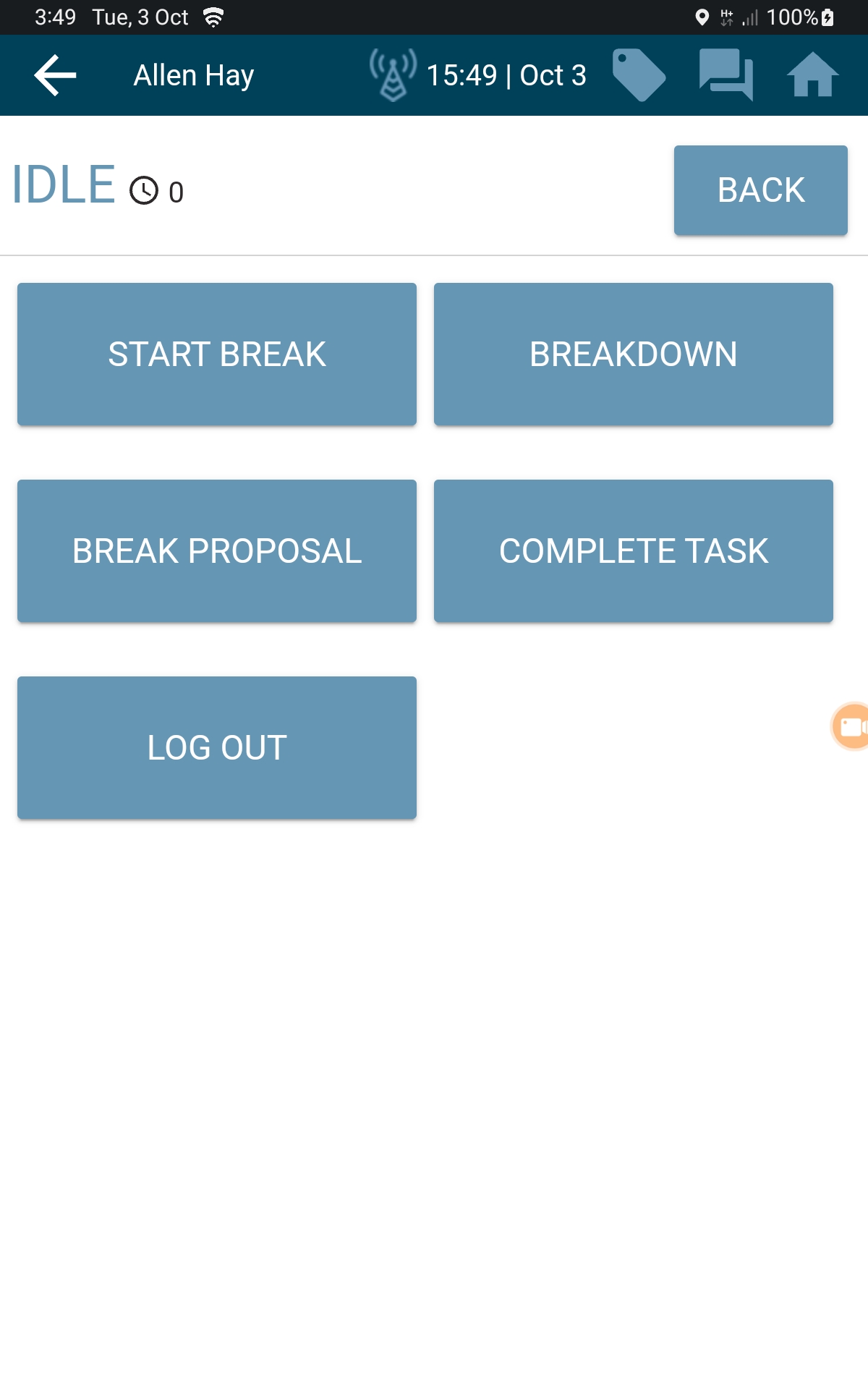
Select Log Out
From the menu, tap Log Out.
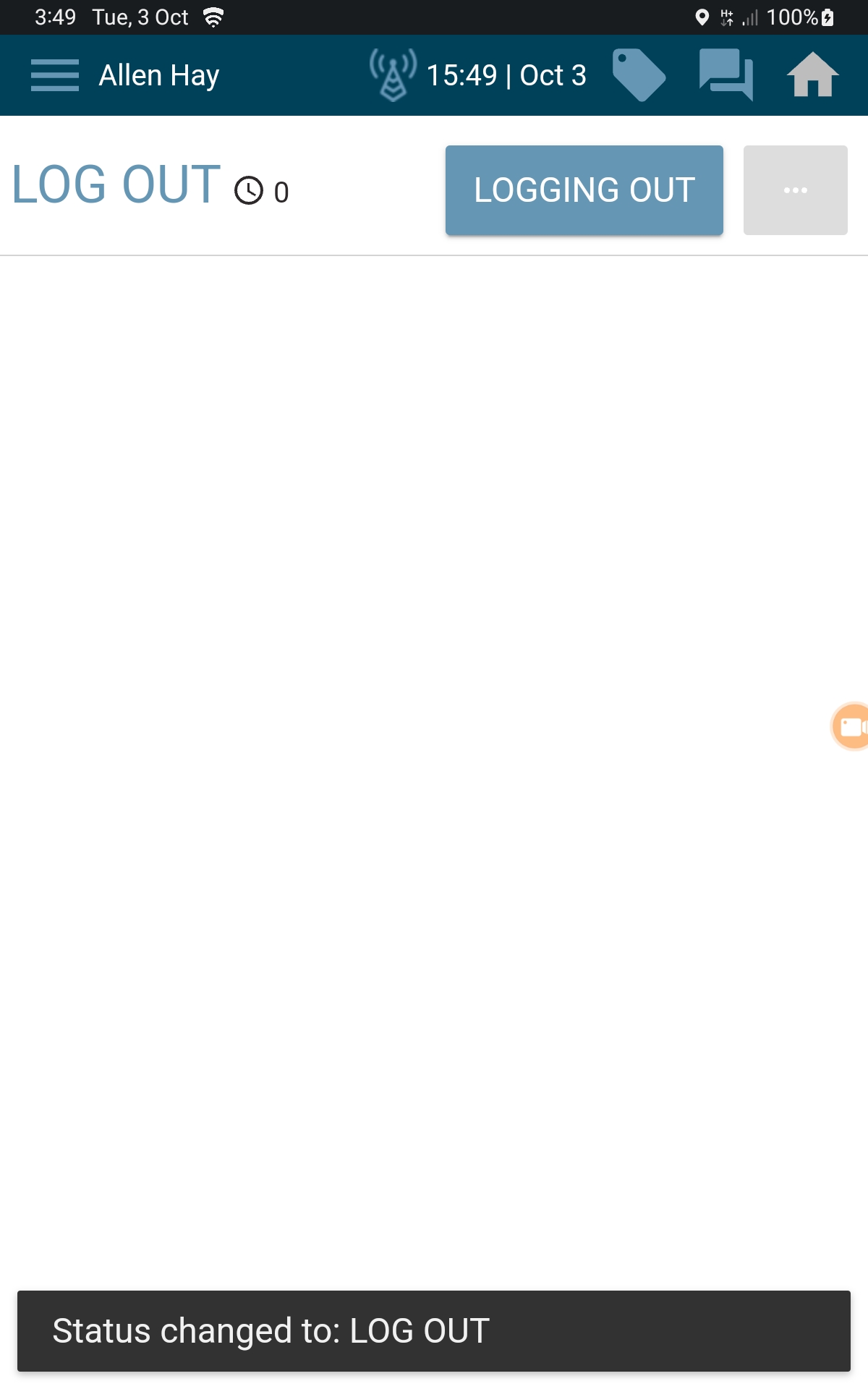
Wait for the App to Complete Logout
The app will move through a few status screens automatically.
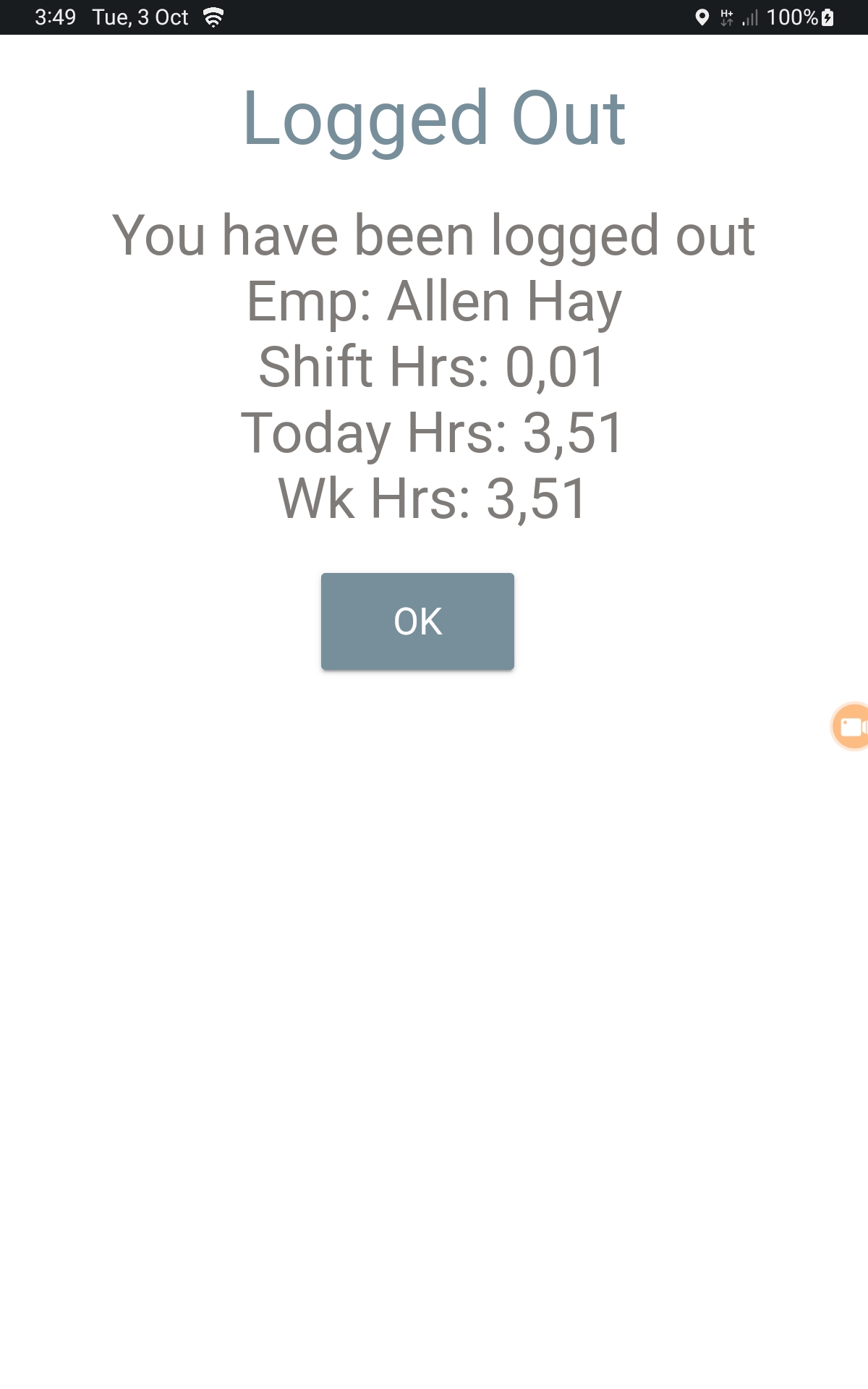
You are fully logged out once your work hours screen appears, as shown below.
Video Tutorial
If you have any issues with this - Report to your Leading Hand or Plant Manager to inform the Logistics Solutions Team