Logging In
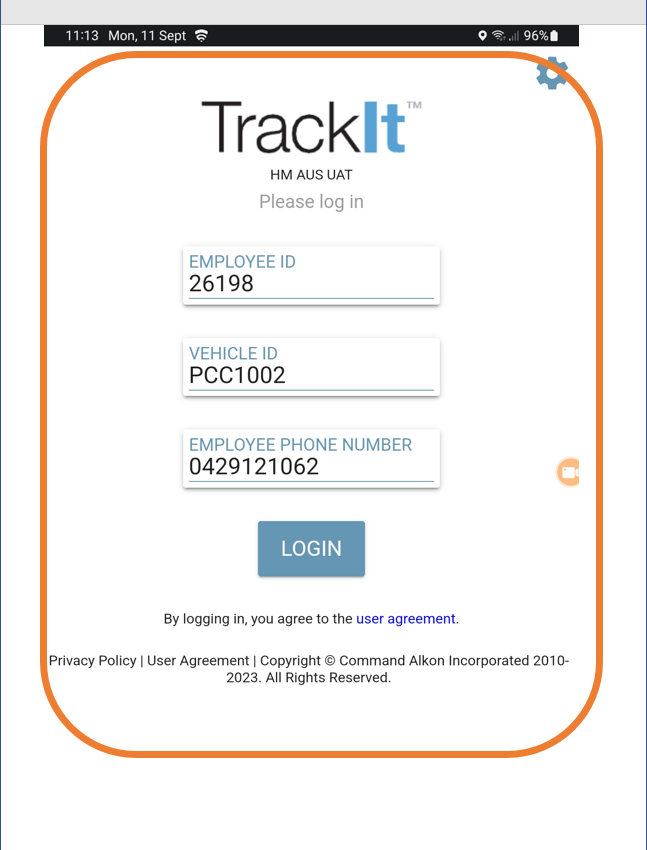
This section shows you how to log in to the TrackIt app on the in‑cab tablet.
Logging in to TrackIt
TrackIt opens automatically when the tablet starts up, so you’ll be ready to log in straight away.
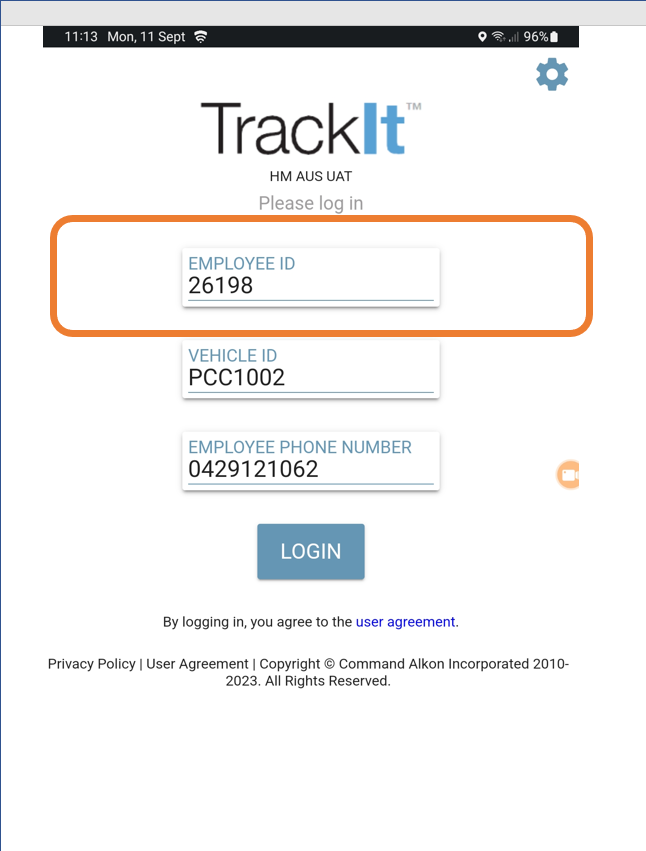
Enter Driver ID
Enter your Driver ID number to begin.
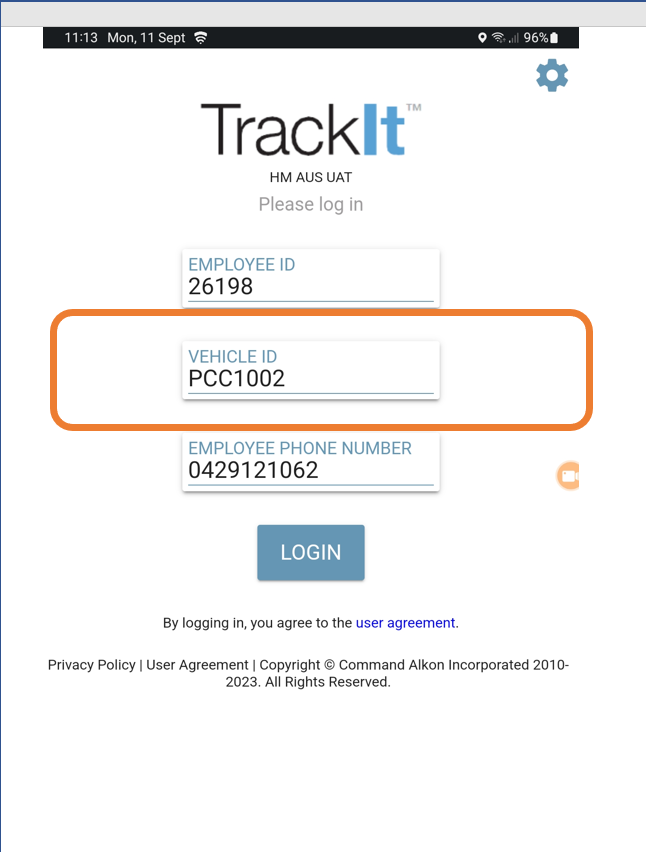
Confirm Truck ID
Your Truck ID should already be filled in. Before tapping Login:
- Take a moment to check the truck number
- Make sure it matches the truck you are driving
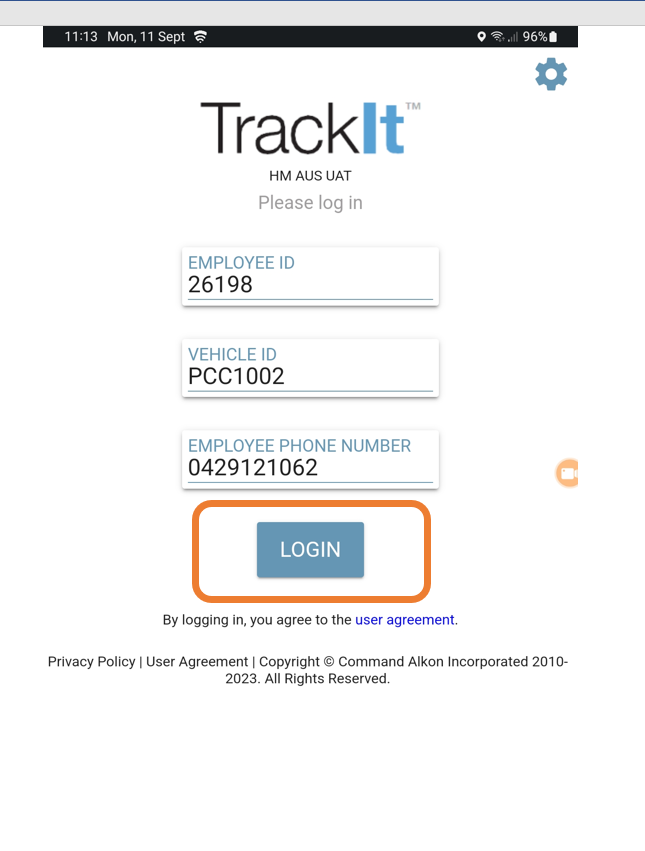
Tap Login
Tap Login to continue.
- The app will automatically move through a few setup screens.
- When you see the Idle status, your tablet is ready to use.
Video Tutorial
If you have any issues with this - Report to your Leading Hand or Plant Manager to inform the Logistics Solutions Team