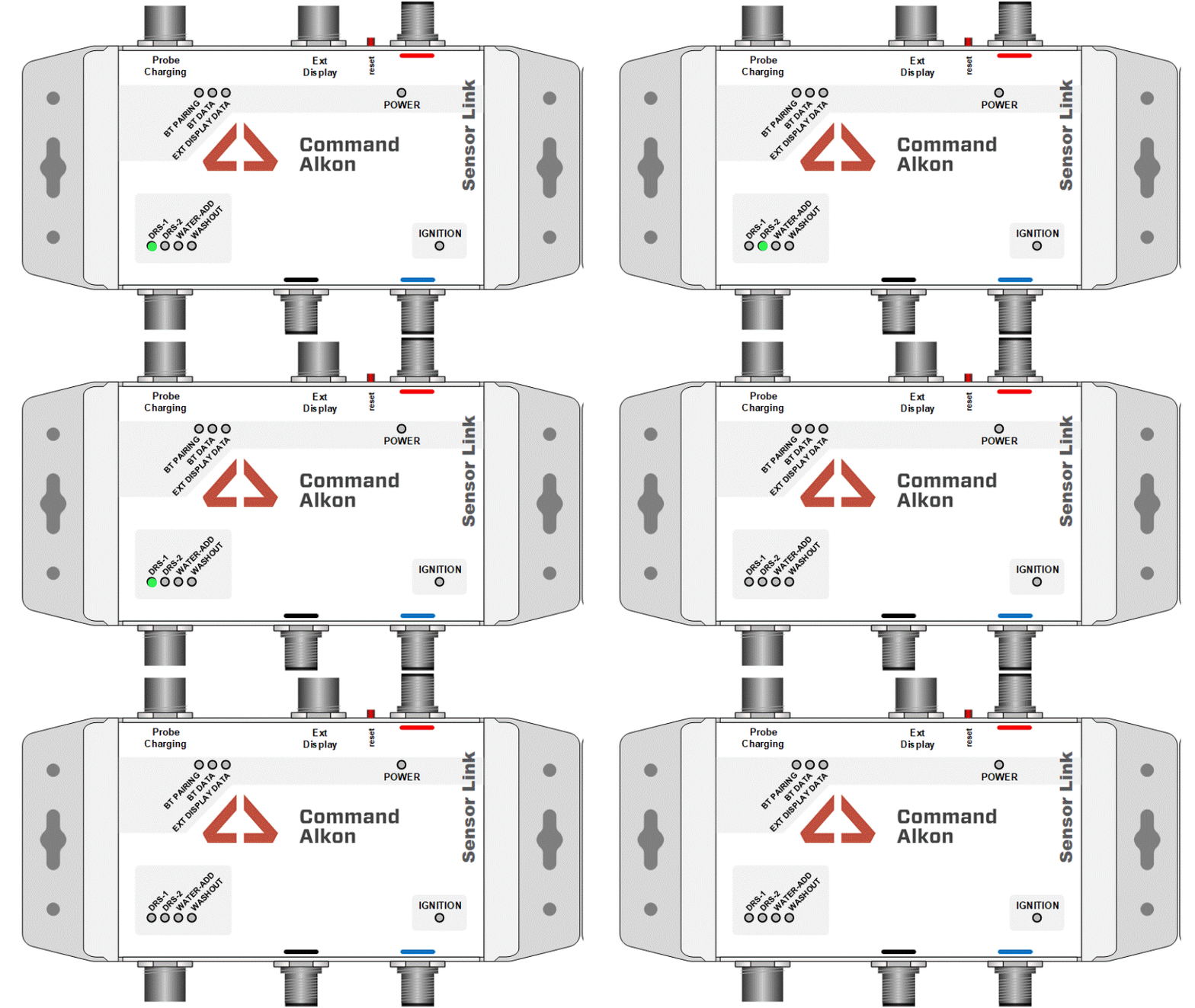
Status Lights Check
This section shows you how the SensorLink status lights should appear during normal operation.
SensorLink Status Lights
The SensorLink status lights show whether the system is working correctly. Normal operation for each light is explained below.
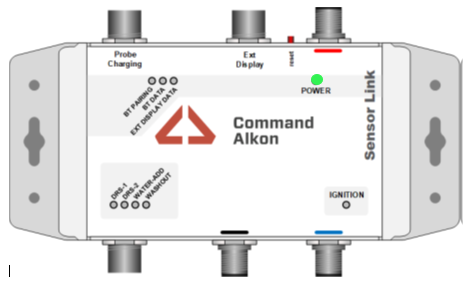
Power Light
- This light should be ON at all times.
- It shows the SensorLink unit is receiving power.
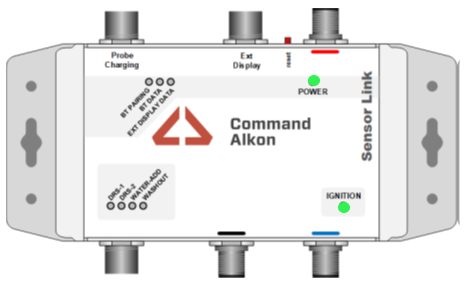
Ignition Light
- This light turns ON only when the ignition is switched on.
- It confirms the truck ignition power is active.
Tablet Pairing
- These lights show when the tablet is connecting to the SensorLink unit.
- You may see this sequence when starting the truck or restarting the tablet.
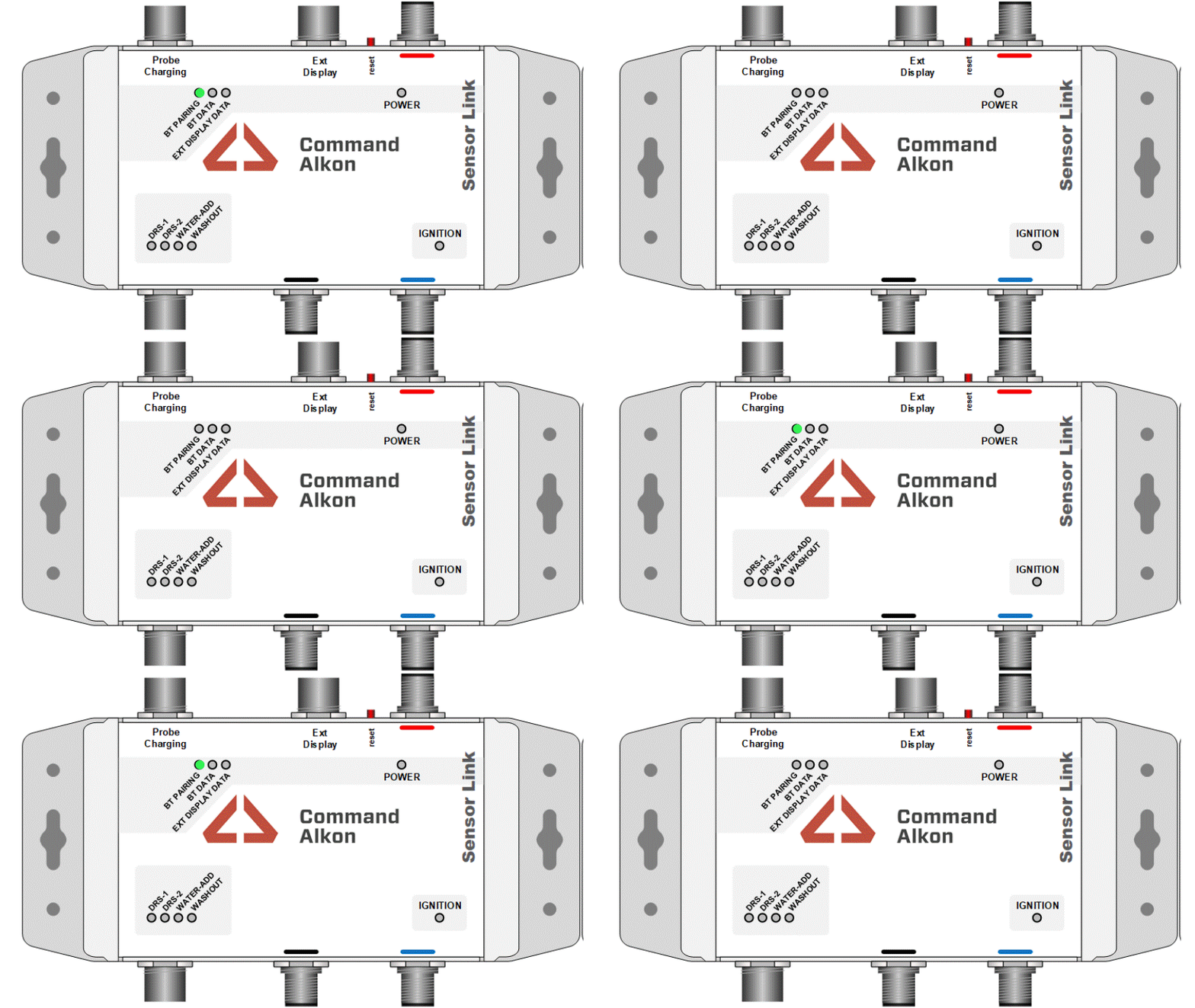
Tablet Paired
- These lights indicate the tablet is successfully connected.
- Data is now being sent between the truck and the tablet.
- This is the normal operating state during a job.
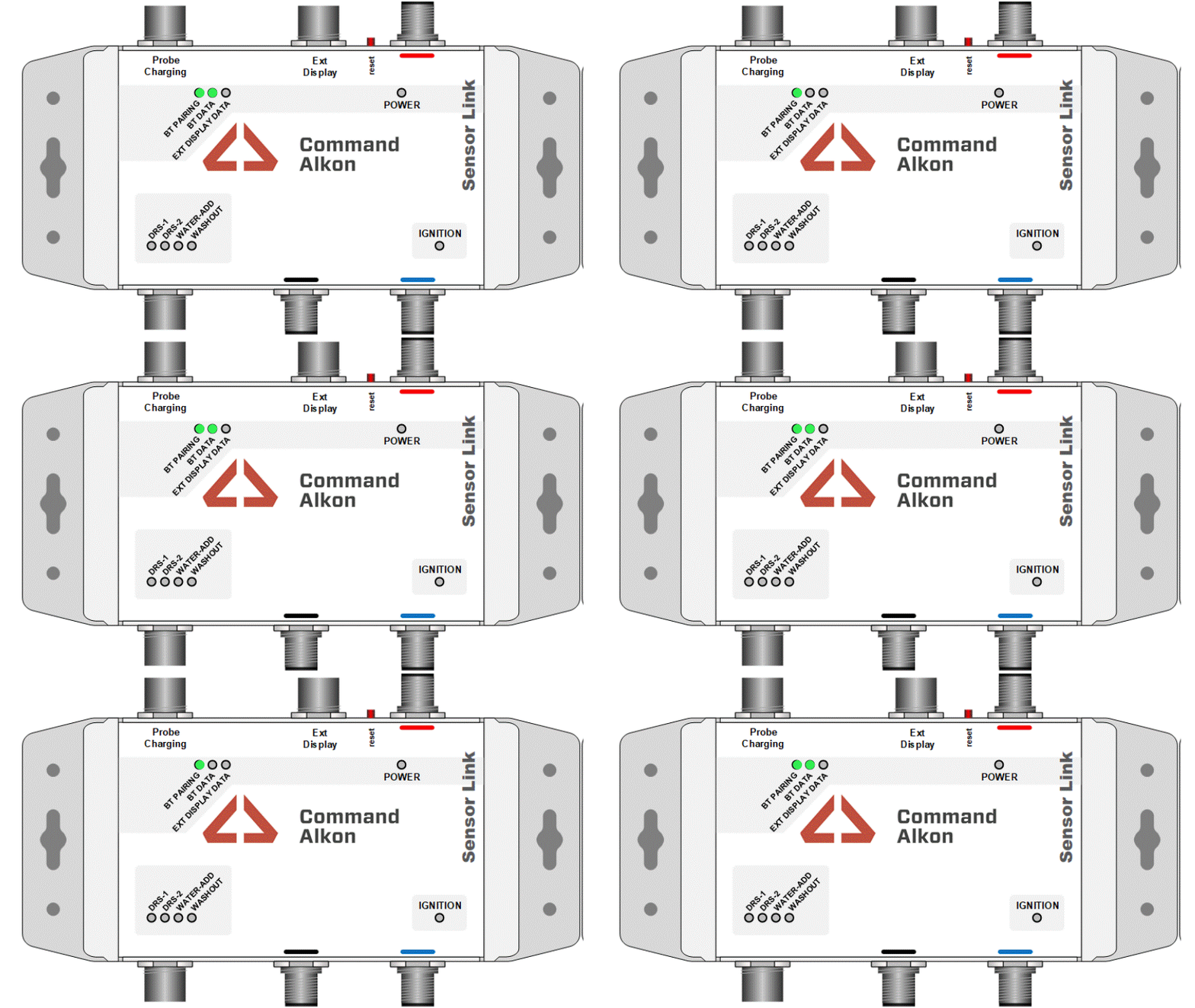
Barrel Rotations
- This light sequence shows normal barrel operation.
- Lights will change as the barrel rotates during charging and discharging.