Login Error Troubleshooting
This section will show you how to troubleshoot your Login Errors
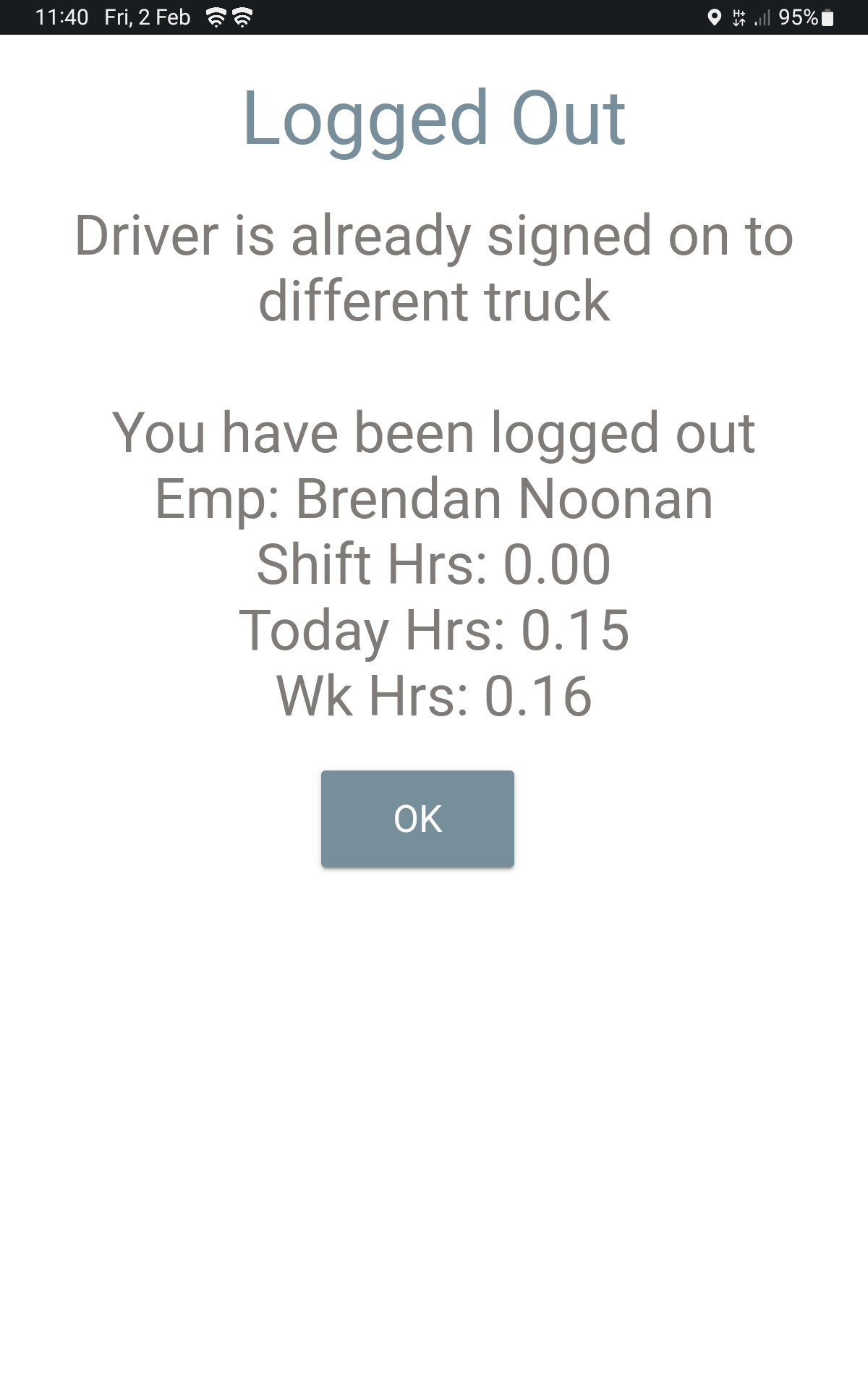
Driver is Already Signed On to Different Truck
This error means your employee number is already logged in on another truck. What to do:
- Check your details
- Confirm the truck number
- Confirm your employee number
- Try signing on again.
If the error still shows:
- Contact Allocations and ask them to check your login status.
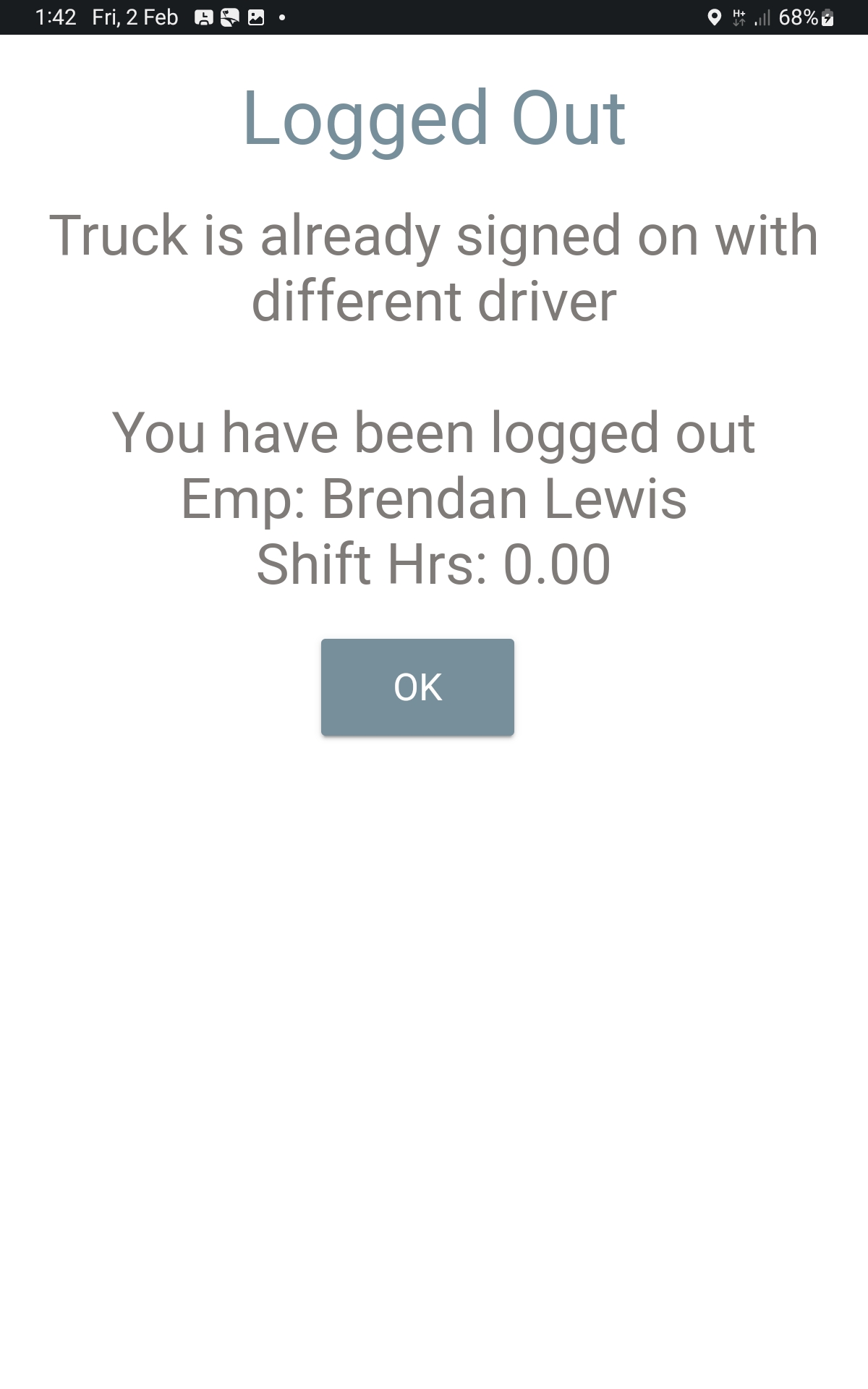
Truck Is Already Signed On With a Different Driver
- Check your details
- Confirm the truck number
- Confirm your employee number
- Try signing on again.
If the error still shows:
- Contact Allocations and ask them to check who is logged into the truck.
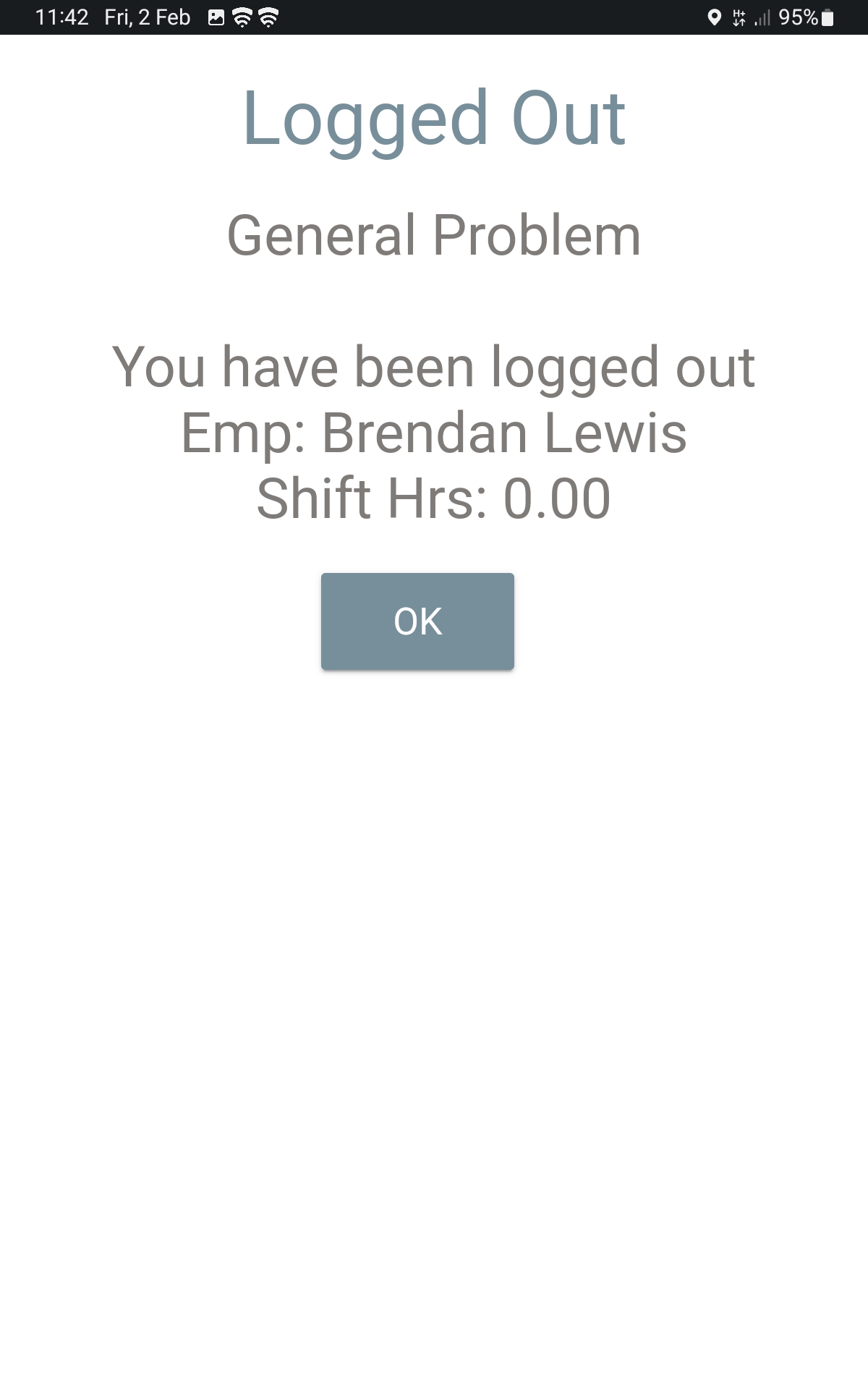
General Problem
This error appears when there is an incorrect setting in the central telematics system.
Call Allocations
- Allocations will correct the issue for you — you cannot fix this from the tablet.
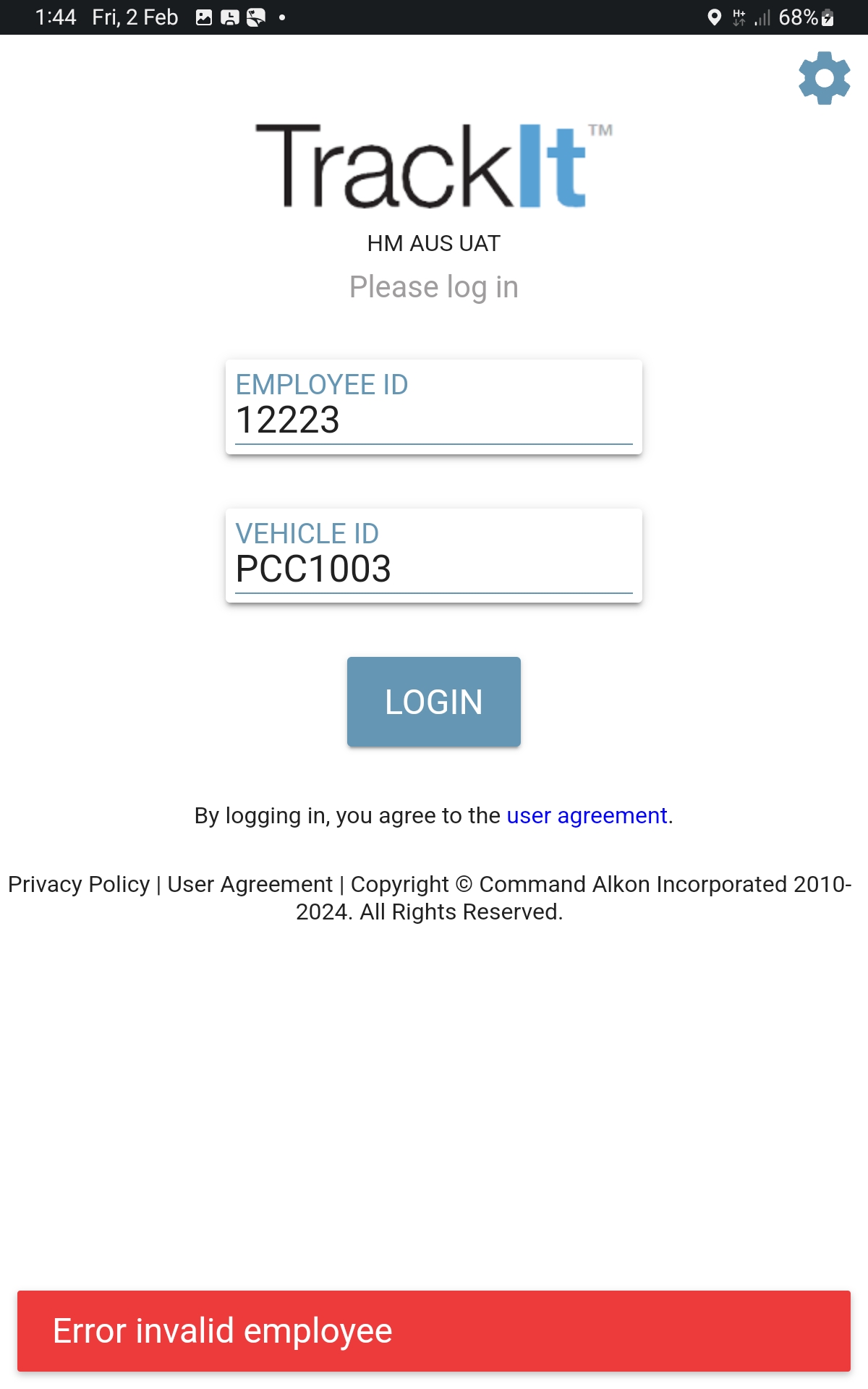
Invalid Employee
This error means your employee number is not valid in the system. Important:
- This cannot be fixed by you
- This cannot be fixed by Allocations
What to do:
- Contact Allocations
- They will issue you a temporary login number for the day
Report Back
Report your findings back to your Leading Hand or Plant Manager so they can Log a Call with Telematic Support