Barrel Sensor Check
This section shows you how to quickly check your barrel sensor and magnets. A few simple checks can help avoid issues and keep everything working as it should.
Magnet Check
Start by checking the magnets on the barrel. Make sure they are:
- Clean
- Free from dirt, rocks, and metal scraps
- Not rusty or damaged
Dirty or rusty magnets can stop the system from working properly.
Magnet Gap
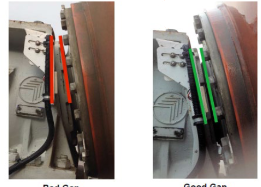
The gap between the barrel magnets and the sensor is very important.
The gap should be between 1 and 2 cm
The sensor must be straight and parallel to:
- The barrel magnets
- The mounting bolts
If the gap is too wide or the sensor is crooked, the system may not read correctly.
Barrel Sensor
The barrel sensor is mounted directly opposite the magnets. You may see one of two types:
- New model: Black sensor with flashing LED lights
- Older model: White sensor with no LED lights
If your truck has the new black sensor, the flashing LEDs are used during checks to confirm the system is working as it should.
Video Guide
Watch the short video below for a visual guide on checking the magnets and sensor setup.
SensorLink (in-Cab Unit)
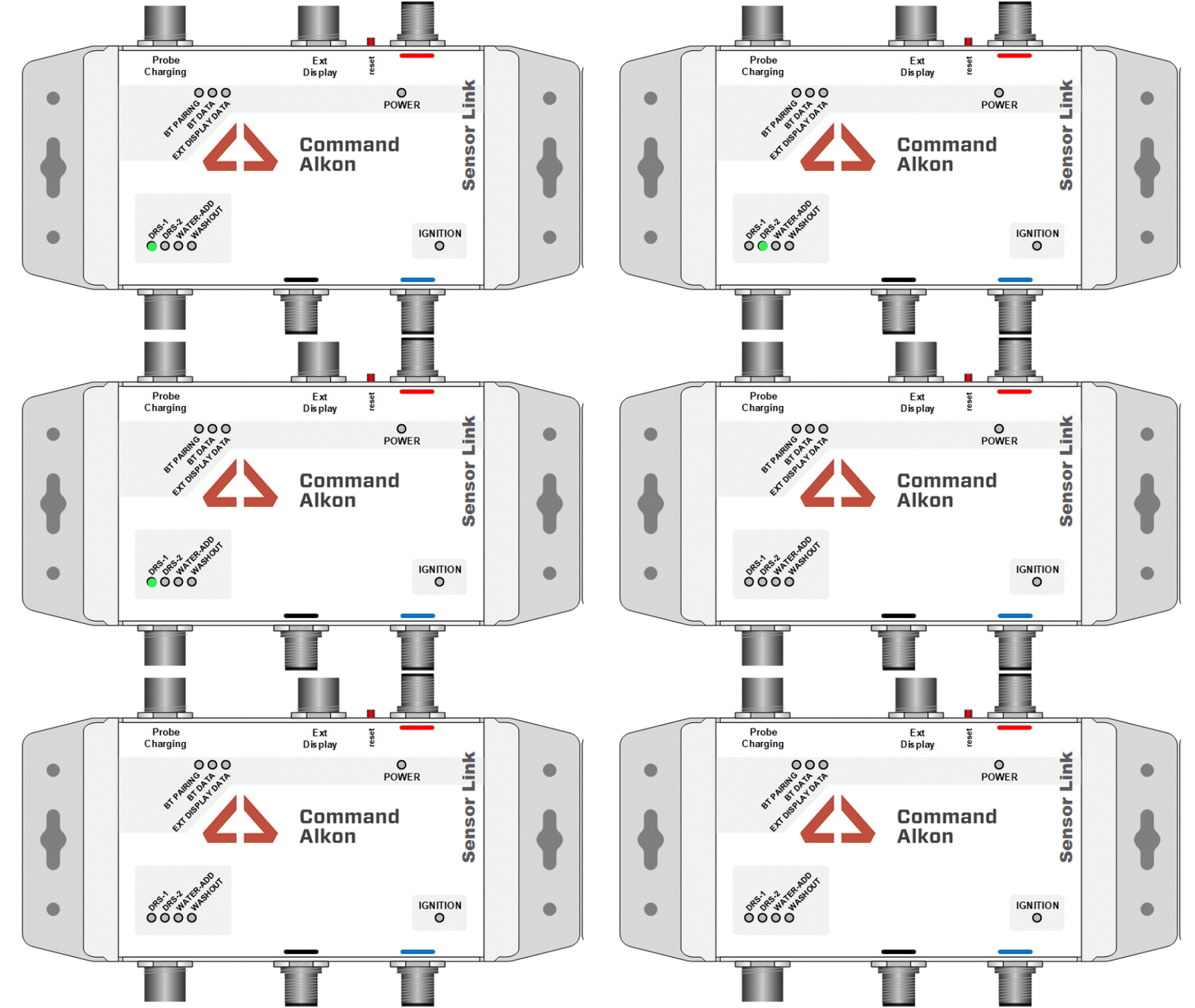
The SensorLink is the white box mounted inside the cab. When the barrel sensor is working correctly:
- DRS‑1 and DRS‑2 lights should both be ON, as shown below
If these lights are not showing correctly, there may be an issue that needs reporting.
Report Back
Once you’ve completed the checks:
- Report what you found to your Leading Hand or Plant Manager
- They will log a service call with Logistics Solutions if needed
If something doesn’t look right, don’t ignore it — reporting early helps prevent bigger issues later.
<! add the Supply Chain Support Desk link !>